

Placing an order
Open a document
Open the TranslationOS tab
Toggle the target languages
Choose a service type
Add details, optional
Submit
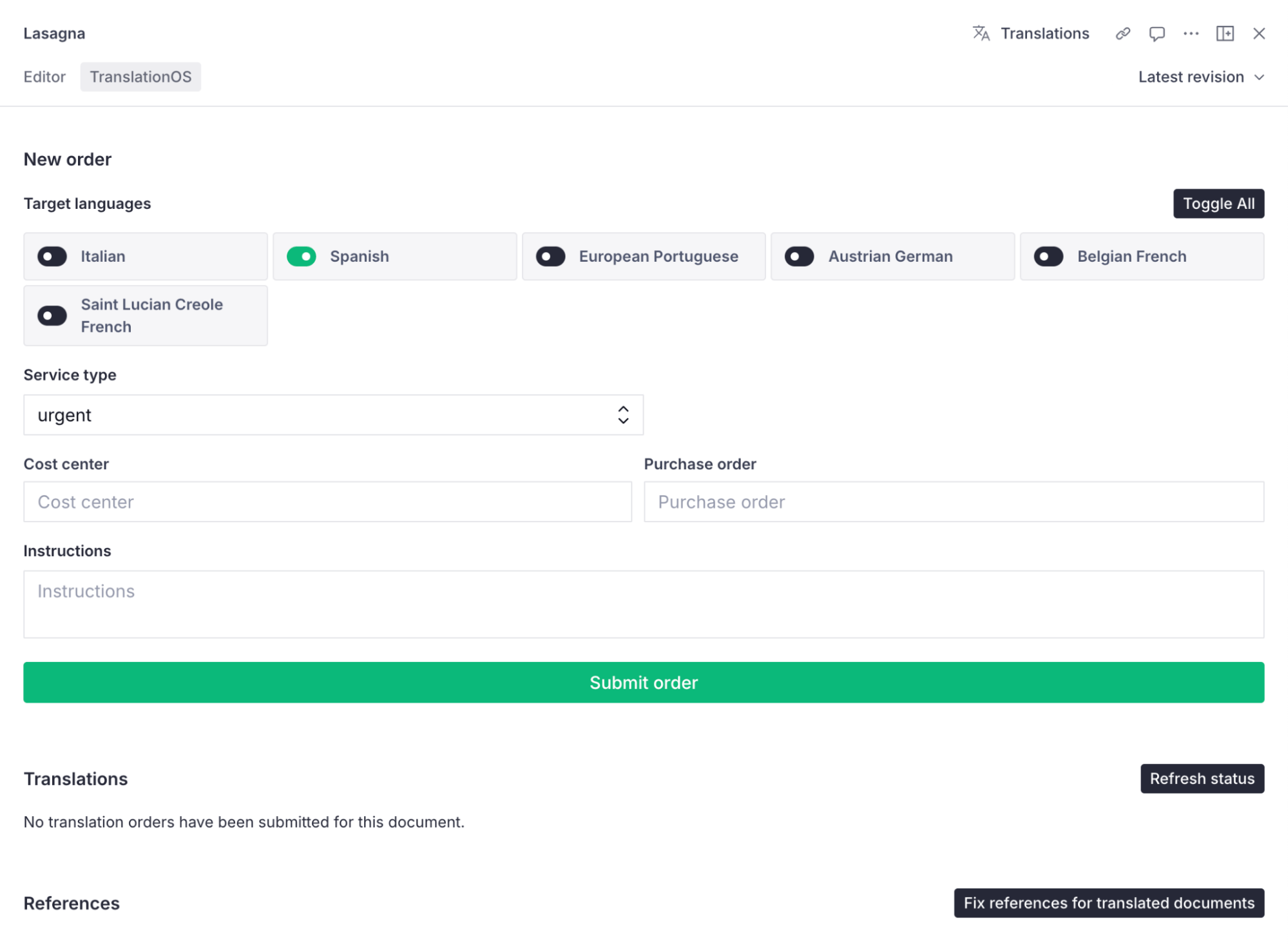
Target languages, service type and optional details
Following status
The Translations section shows the latest order per language pair involving this document’s language, as source or target.
An order in progress, with the due date still calculating
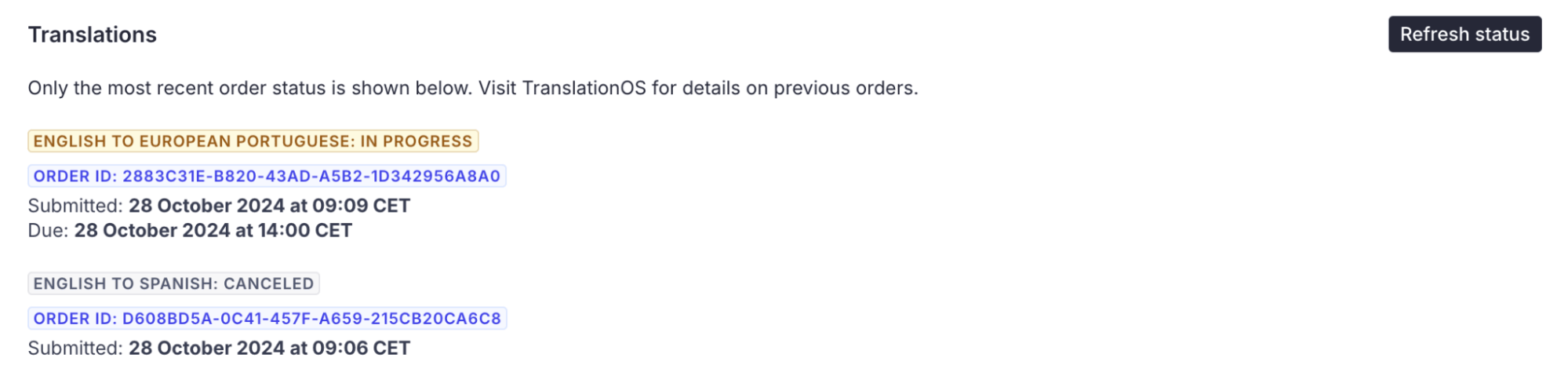
Once the volume is analysed, the due date appears
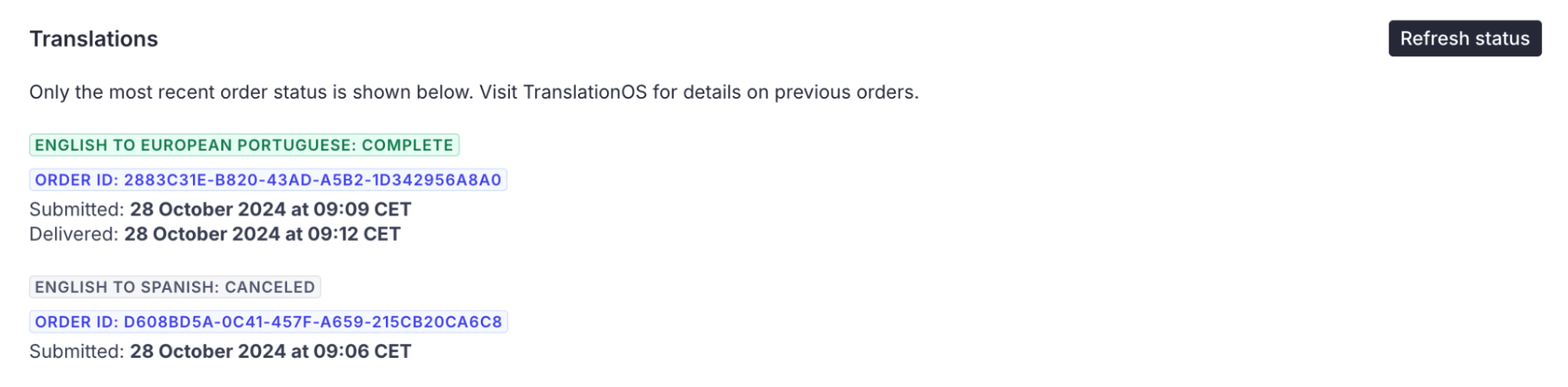
A delivered order
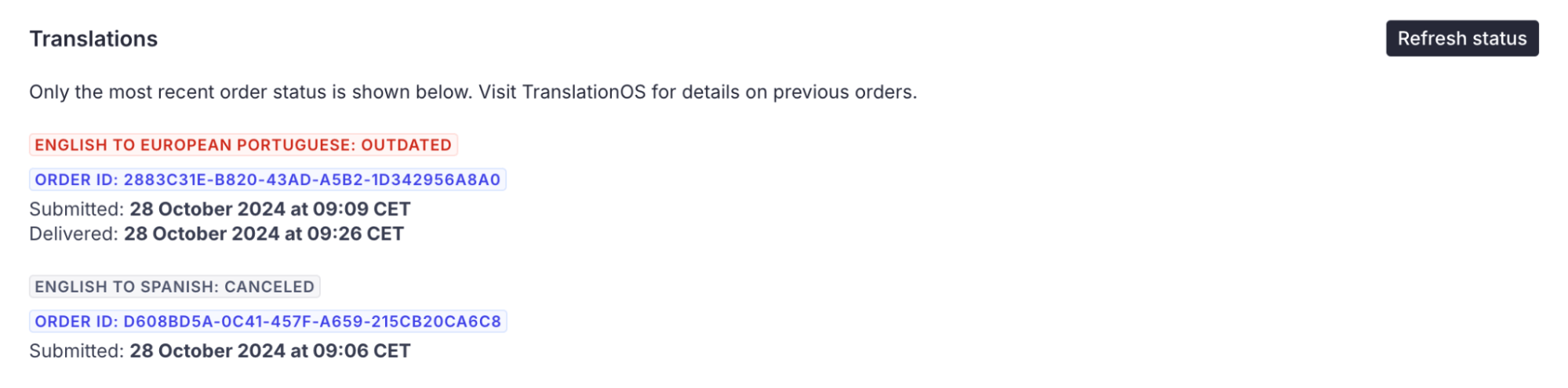
Editing the source marks its translations outdated
Receiving translations
When the final request for a target language is delivered, a draft document is created in that language. Published documents are never overwritten. Access the translations through the document internationalisation plugin interface, review, and publish when ready.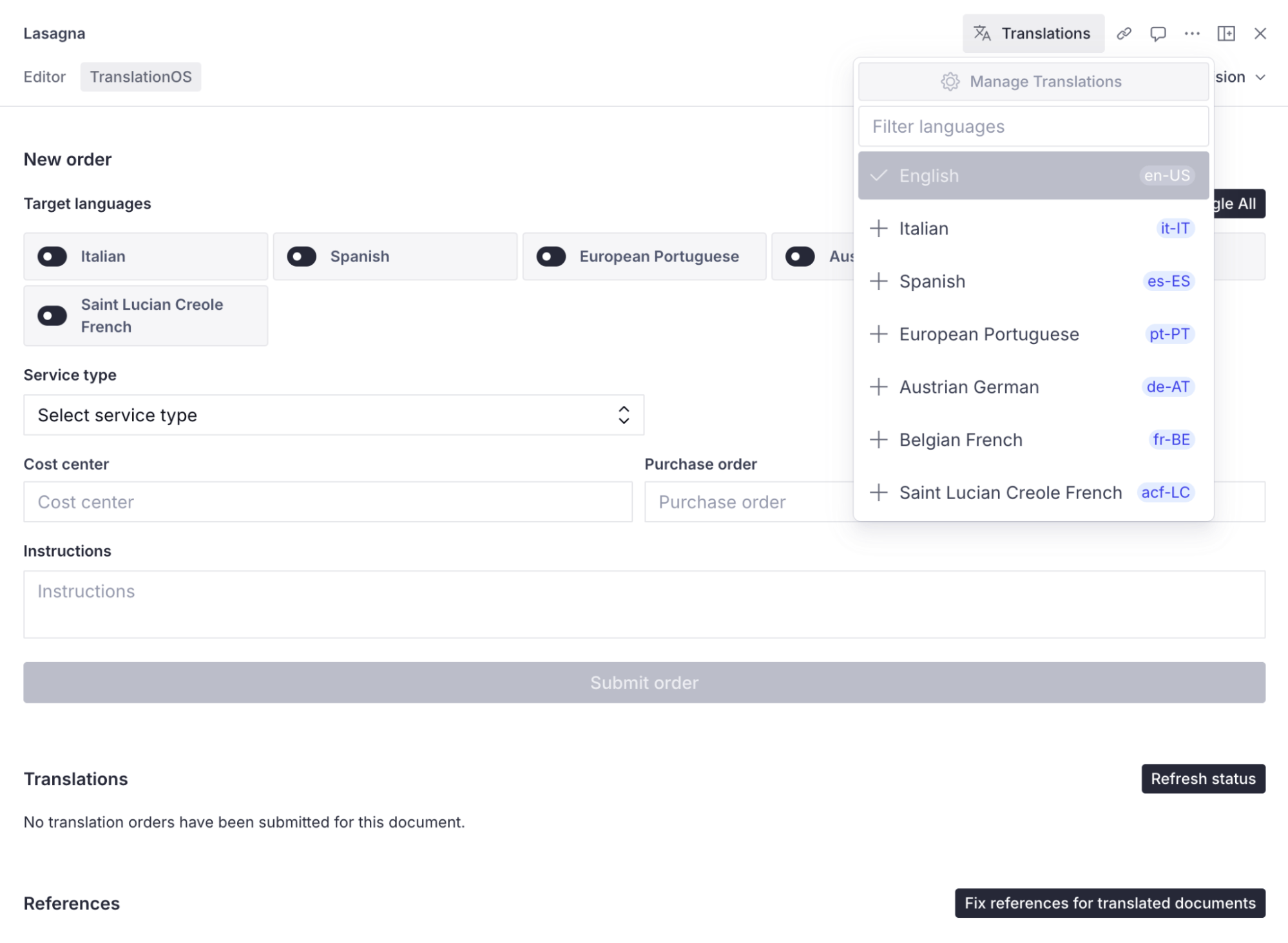
Translated documents in the document internationalisation interface
Fixing references
Translated documents keep their references, but those references point at the source-language documents. Open the TranslationOS tab and use Fix references for translated documents to repoint them at language-specific versions where those exist. The plugin reports whether anything changed.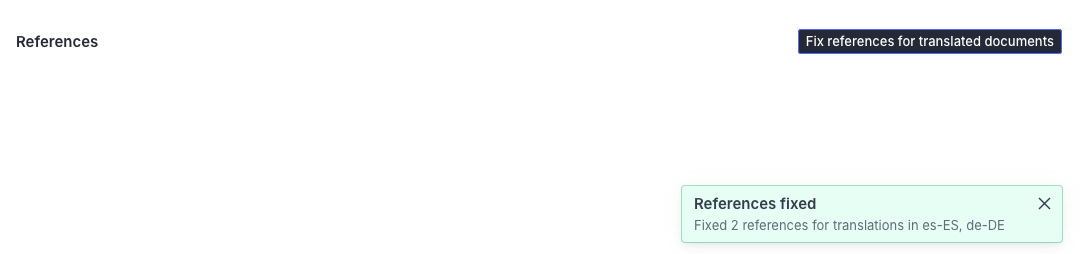
References repointed at their translated versions
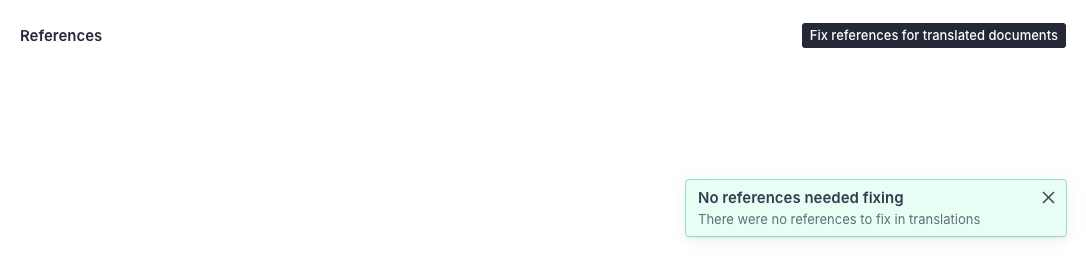
Nothing to do, reported just as clearly
Cancelling
Cancellation is only possible while the order is in the bucketing phase, using Cancel order. The button disappears once the order is no longer cancellable. After that, contact your project manager.
A cancelled order
Troubleshooting
Submission fails with no obvious cause
Submission fails with no obvious cause
A field was translated that should not have been
A field was translated that should not have been
exclude: true in tosProperties. The hidden and readOnly properties do not prevent translation.The translated document references the English version of linked content
The translated document references the English version of linked content
Status looks stuck on Calculating
Status looks stuck on Calculating
FAQ
Which fields are sent?
Which fields are sent?
string, text, slug, and block fields, with array and object fields traversed recursively. Sanity metadata is always excluded.Can we translate only part of a document?
Can we translate only part of a document?
Where do I find my tracking IDs?
Where do I find my tracking IDs?