

1
Create a server-side API key
- In Iterable, go to Integrations > API Keys.
- Create a server-side API key.
- Send it to Translated.
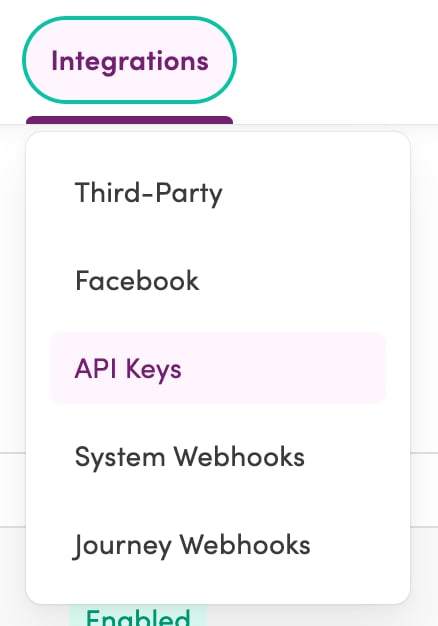
API keys live under Integrations
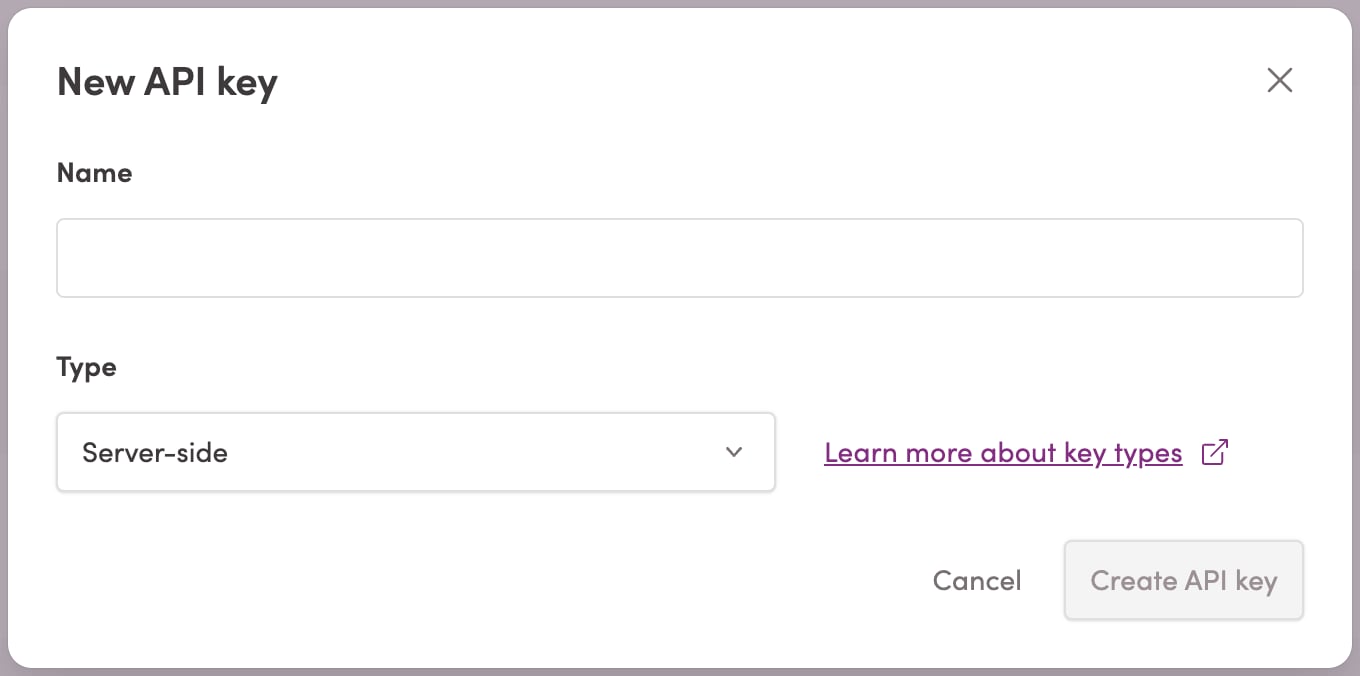
Create the key with type Server-side
2
Supply URL handling rules, optional
If your templates contain URLs that should be localised, send Translated an extraction regex, matching the part of the URL to change, and a replacement regex, inserting the target locale. These typically insert the locale before the file extension.
3
Test in sandbox
Translated puts you in sandbox mode, which returns machine-translated content so you can check the whole experience.Test with a real campaign that includes your typical URL patterns and merge fields rather than a simple template.
4
Agree service types
Translated configures the connector. See Service types.
5
Go live
Translated switches you to production and you can start submitting requests.
Support
- General questions:
info-tos@translated.com - Technical questions and onboarding:
api@translated.com